

 Example image
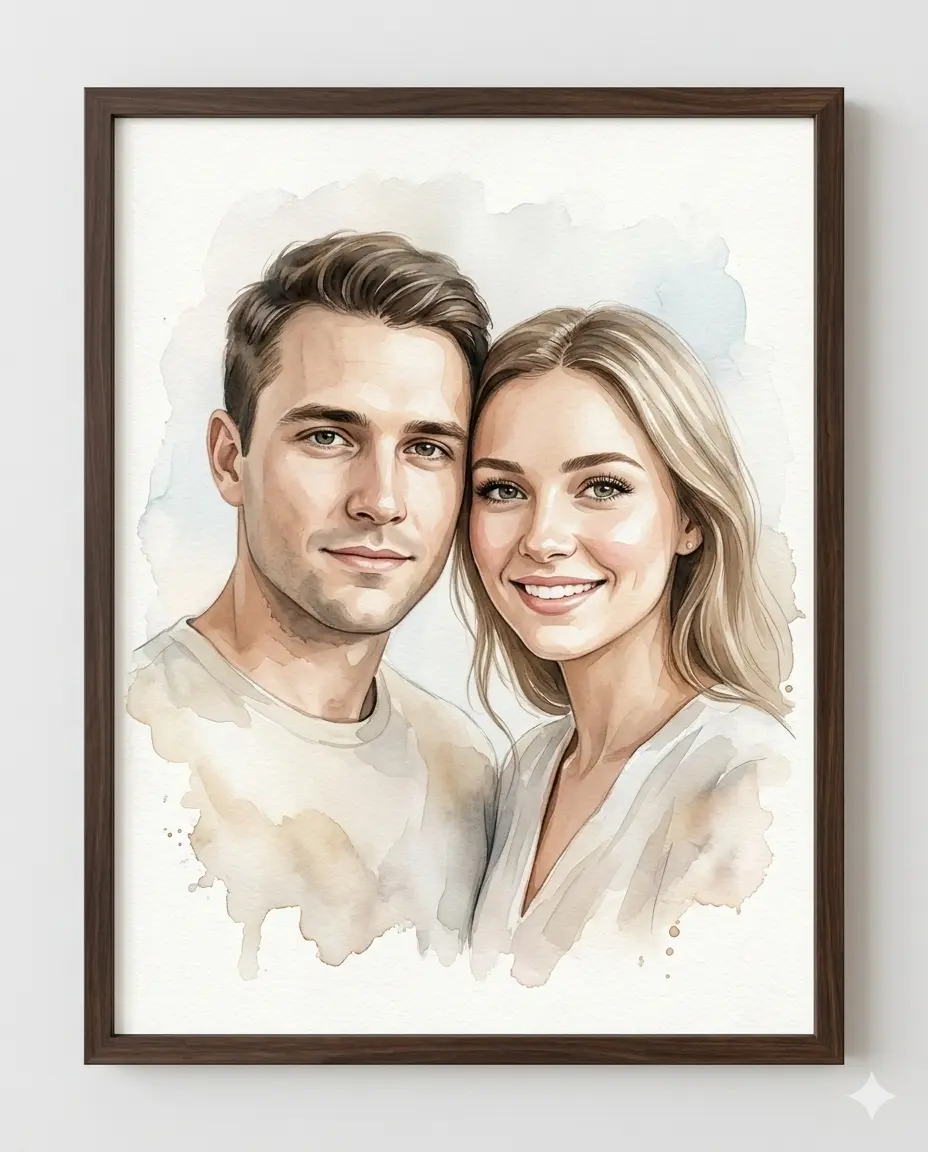
Çift Sulu Boya Portre
Yüklenen fotoğraftaki çiftin kimliğini koruyan, koyu ceviz çerçeveli dijital sulu boya sanatı.
Show prompt text
After copying the text, replace the fields in square brackets with your own information.
{
  "medium": "high-quality digitally rendered watercolor-style portrait",
  "subjects": "couple, presented inside a dark walnut wooden frame",
  "instruction": "Use provided reference image to accurately replicate BOTH subjects identity. Do NOT beautify, idealize, reshape, smooth excessively, or invent new features. The final result must look like the exact same two people in watercolor form.",
  "composition": {
    "shot_type": "Intimate bust portrait, cropped slightly below mid-chest",
    "placement": "Male positioned on the left, female on the right. Their upper bodies angled very slightly inward toward each other. Shoulders gently overlapping",
    "connection": "Heads placed close together with temples nearly touching. Both faces turned almost straight toward camera with only a minimal inward rotation (very subtle 5–10° inward angle)",
    "expression": "Expressions soft and warm: Male — calm, subtle closed-mouth smile. Female — bright, open smile with gentle warmth. Eye contact directed toward the viewer."
  },
  "artistic_execution": {
    "technique": "Blend wet-on-wet soft gradients in background. Use wet-on-dry precision around facial features. Allow organic pigment bleeding around edges. Maintain visible watercolor paper grain texture.",
    "brushwork": "Fine strokes for eyelashes and individual hair strands. Controlled detailing around eyes and lips. Broad translucent washes for clothing. Subtle pigment pooling and natural gradient transitions. Soft watercolor blooms around outer edges."
  },
  "palette_and_lighting": {
    "skin_tones": "Maintain accurate skin tones from reference.",
    "colors": "Use soft warm neutrals (cream, beige, tan) as base tones. Introduce complementary cool washes when appropriate. Background should remain light, airy, and minimally dominant.",
    "lighting": "Soft, natural, diffused lighting from slightly above and front-facing."
  },
  "framing": {
    "frame_type": "dark walnut or espresso-finished wooden frame, modern flat frame profile with subtle wood grain",
    "presentation": "No visible matting. Art extends near edges for a contemporary full-bleed look. Visible watercolor paper texture inside frame. Clean neutral wall mockup presentation."
  },
  "parameters": {
    "resolution": "4k",
    "aspect_ratio": "4:5"
  }
}
Description and examples 15 views5 copies