What Is TypeScript, and Why Use It in JavaScript Projects?
What Is TypeScript?
Getting started with JavaScript often feels straightforward: create a variable, retrieve data, write a function and see the result immediately.
As the project grows, questions start to appear:
“What data did this function expect?”
“Was this variable a string or a number?”
“Where will the app break if the backend data changes?”
“How will another developer understand this code?”
This is where TypeScript helps bring structure and reliability to JavaScript projects.
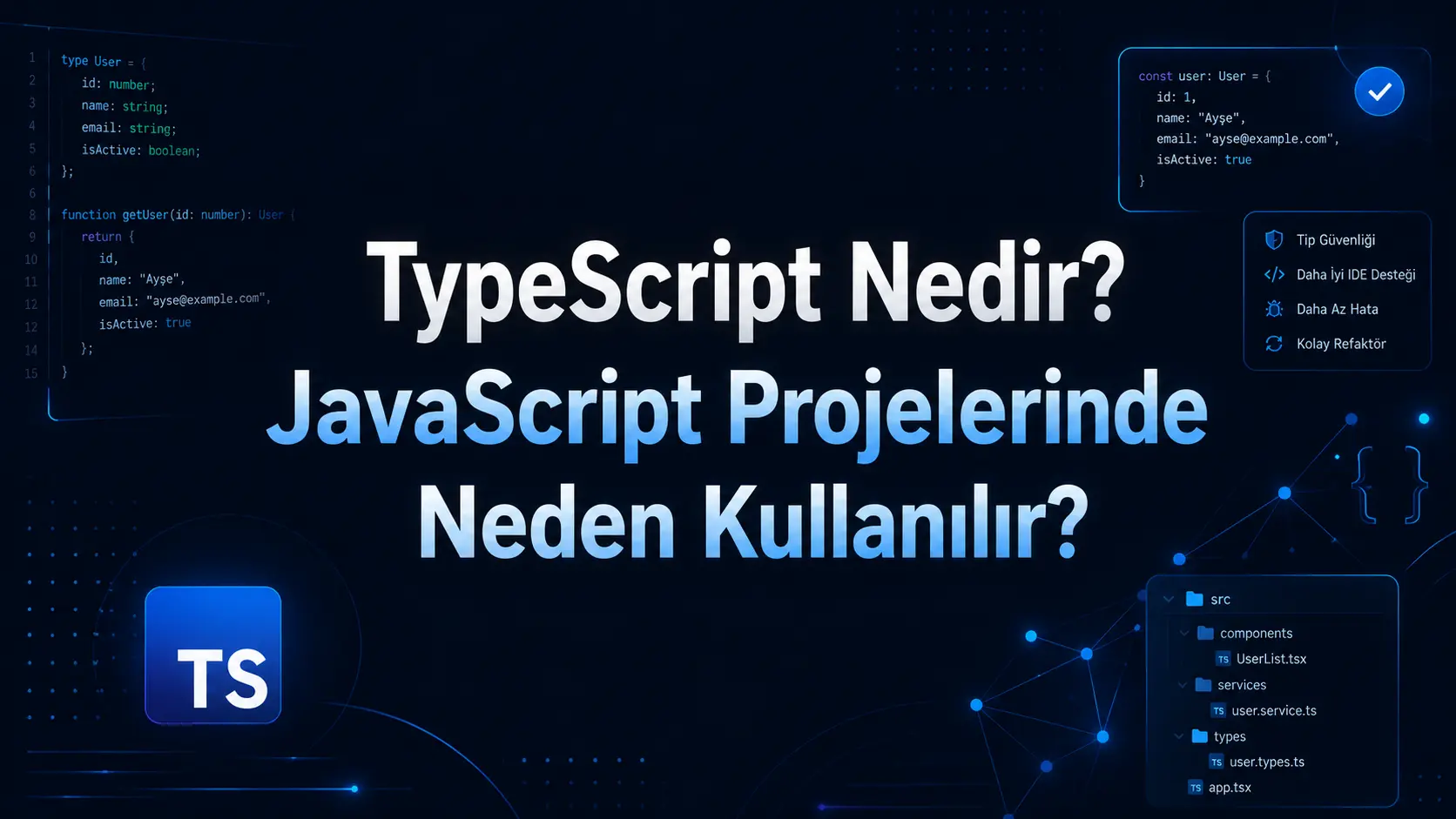
TypeScript is a programming language that adds a type system to JavaScript. Its official documentation describes it as JavaScript with syntax for types and improved editor support. MDN describes TypeScript as a superset of JavaScript that adds static type checking.
Put simply:
TypeScript helps make JavaScript code more predictable, understandable and resistant to errors.
Why Can JavaScript Alone Become Difficult to Manage?
JavaScript is flexible. That flexibility speeds up small projects but can create challenges in larger ones.
For example, you could write this JavaScript function:
function toplam(a, b) {
  return a + b;
}

toplam(10, 20);
toplam("10", 20);
The first call produces the expected result. The second may produce an unexpected result because it receives text instead of a number.
JavaScript does not always make this mistake obvious while you write code. It may only appear when someone uses the application.
TypeScript helps you notice situations like this earlier.
How Does TypeScript Work?
TypeScript is normally converted to JavaScript during development rather than running as a separate language in the browser. Its compiler, tsc, can turn TypeScript files into JavaScript output.
A simple example:
function toplam(a: number, b: number) {
  return a + b;
}

toplam(10, 20);
toplam("10", 20); // Hata verir
Here, a: number and b: number specify that the function expects numbers.
TypeScript can therefore warn the developer:
“You cannot pass text to this function; it expects a number.”
This may seem minor, but such warnings save considerable time in a project with hundreds of functions, dozens of screens and multiple data sources.
Why Use TypeScript in JavaScript Projects?
1. To Find Errors Earlier
Some JavaScript errors appear only at runtime. TypeScript can identify many mistakes while you write or compile the code.
This is particularly useful for:
Incorrect data in these systems can affect more than the display. Payments, registration, orders, appointments and reporting may all depend on it.
2. To Make Code More Readable
TypeScript makes the expected shape of data explicit.
For example:
type Kullanici = {
  id: number;
  ad: string;
  email: string;
  aktifMi: boolean;
};
This structure tells us:
A user record must include id, ad, email and aktifMi fields.
Someone joining the project can understand how to use the data more quickly. The code becomes more self-explanatory.
3. To Keep Large Projects Organised
A small website may have only a few files. A full software project is usually more complex.
A project may include:
A user dashboard
An admin panel
An authorisation system
Payment infrastructure
Notifications
API integrations
Database operations
Reporting screens
Responsive interfaces
Uncontrolled code growth becomes risky as this structure expands.
TypeScript provides an organisational layer, making it clearer where data is used and what form it should take.
4. To Make Teamwork Easier
A solo developer may remember the code well. In a larger team, everyone needs to understand the same data structures.
When a developer uses a function from another file, TypeScript lets the editor show:
Which parameters the function expects
Which data types to pass
What the function returns
Whether any fields are missing or incorrect
This is why editor support matters. The official TypeScript documentation highlights error messages, autocompletion and an improved coding experience.
How Does TypeScript Differ from JavaScript?
JavaScript is the language executed by browsers and environments such as Node.js.
TypeScript adds type checking to JavaScript. It builds on the language rather than replacing it entirely.
The main differences:
Area | JavaScript | TypeScript |
|---|
Type checking | More flexible | More explicit checks |
Error detection | Often at runtime | While coding or compiling |
Large project management | Can become harder | More structured |
Learning curve | Easier to get started | Requires some additional learning |
Editor support | Good | Stronger |
JavaScript helps you get started quickly; TypeScript helps keep things organised as the project grows.
Which Projects Benefit Most from TypeScript?
TypeScript is particularly useful for long-term projects that are likely to grow.
Examples include:
Next.js websites
React dashboards
Node.js backends
API development
SaaS applications
Systems with admin panels
Dashboards and reporting screens
Applications with user roles
Backends connected to mobile apps
TypeScript may be optional for a simple one-page business website. It offers greater benefits for a system with accounts, payments, dashboards, data management and API connections.
Do You Need to Learn TypeScript?
Starting TypeScript without learning JavaScript is usually unhelpful, because TypeScript builds on JavaScript.
A useful learning order is:
HTML and CSS basics
JavaScript fundamentals
Functions, arrays and objects
How APIs work
Frameworks such as React or Next.js
The TypeScript type system
Understand JavaScript first. For anyone planning a long-term career in modern web development, TypeScript is a valuable skill.
Can TypeScript Be Added to an Existing Project?
Yes. The TypeScript documentation explains how existing JavaScript projects can migrate gradually.
This is a significant advantage: you do not need to rewrite every project from scratch.
A typical migration involves:
Reviewing the project structure.
Adding a TypeScript configuration file.
Typing critical data models first.
Then updating components and functions.
Resolving incorrect or ambiguous parts.
Making the code more reliable.
Do not rush the process. Large migrations need a plan.
Does TypeScript Prevent Every Error?
No. TypeScript is powerful, but it is not a magic solution.
It helps with:
Passing the wrong data type
Using missing fields
Misusing function parameters
Defining data models clearly
Spotting errors in the editor
It does not solve these problems on its own:
Incorrect business logic
Poor design decisions
Security vulnerabilities
Faulty database design
Insufficient testing
Poor user experience
TypeScript is most valuable alongside sound architecture, clean code, security, testing and planning.
How TypeScript Affects Cost and Development Time
TypeScript can add some initial planning because data models, types and functions need clearer definitions.
Over time, it can:
Reduce debugging time
Simplify maintenance
Make feature development more predictable
Improve team collaboration
Make growth easier to manage
For long-term projects, choosing TypeScript is also a decision about maintenance and sustainability.
What Should You Consider When Using TypeScript?
Using TypeScript does not automatically make a project good. Poorly organised types can become complicated too.
Keep these points in mind:
Avoid unnecessarily complex types
any should be used carefully
Define data models clearly
Type API responses correctly
Keep the folder structure organised
Reduce duplicated code
Keep backend and frontend data structures aligned
Careless use of any reduces TypeScript’s protections because any effectively allows a value to be anything, weakening type checking.
TypeScript, Next.js and Modern Web Projects
TypeScript is common in modern web development, especially projects using Next.js, React, Node.js and APIs.
In a Next.js project, it helps with:
Page components
API routes
Form data
User sessions
Database models
Admin screens
Dashboard cards
Backend responses
An admin panel displaying users, orders, payments or reports needs data in a predictable format. TypeScript helps define and maintain that flow.
Who Is TypeScript For?
TypeScript is suitable for:
JavaScript developers who want more organised code
Businesses commissioning long-term web applications
Teams building admin panels, user areas or dashboards
Developers working with Next.js or React
Projects that need consistent data between backend and frontend
People making existing JavaScript projects easier to maintain
It is a strong option for anyone who wants their code to stay manageable as a project grows.
How Can Ben Mühendisiniz Help?
Attractive screens are only part of a website, mobile app or custom software project. The underlying system also needs to be organised, understandable and extensible.
At Ben Mühendisiniz, I choose technologies around the needs of each website, mobile app and software project.
For projects using TypeScript, Next.js, Flutter, Supabase or Firebase, priorities include:
Clean, manageable code
User-friendly interfaces
Secure data flows
Fast pages
SEO-friendly website foundations
Planned admin and user dashboards
Architecture that can evolve over time
Maintenance and ongoing feature development
TypeScript is not compulsory for every project. It can be a strong choice when growth, data management and long-term maintenance matter.
Conclusion
TypeScript is an important tool for writing more organised, reliable and maintainable JavaScript projects.
JavaScript may be sufficient for small projects. As data structures, functions, APIs and collaboration become more complex, TypeScript helps manage that complexity.
It can offer substantial benefits for web applications, admin panels, user systems and long-term software projects.
A well-planned TypeScript project provides foundations that work today and remain adaptable tomorrow.
FAQs
What is TypeScript?
TypeScript is a programming language that adds type checking to JavaScript, helping make code more organised, readable and reliable.
Does TypeScript replace JavaScript?
No. It extends JavaScript with additional features and is ultimately converted to JavaScript.
Is TypeScript difficult to learn?
It is easier if you already know JavaScript. The main concepts to understand are types and data structures.
Should every project use TypeScript?
It is not essential for every project. JavaScript can be enough for simple applications, while TypeScript benefits larger, longer-term and data-intensive projects.
Does TypeScript prevent all mistakes?
No. It identifies many technical mistakes early, but cannot fix poor business logic, security vulnerabilities or unsuitable architecture on its own.
Can you use TypeScript with Next.js?
Yes. It is common in Next.js projects and helps organise pages, components, APIs and data models.
Can an existing JavaScript project migrate to TypeScript?
Yes. Projects can migrate gradually, starting with critical files and data models.



Comments (0)
No comments yet. Be the first!
Leave a comment